
This guide explains how to use and edit the custom variables available in your PandaDoc templates.
Variables allow you to dynamically insert personalized information into your documents so you don’t need to update them manually each time.
How to Insert Variables in PandaDoc
Refer Here for full tutorial.
-
Open your PandaDoc Editor.
-
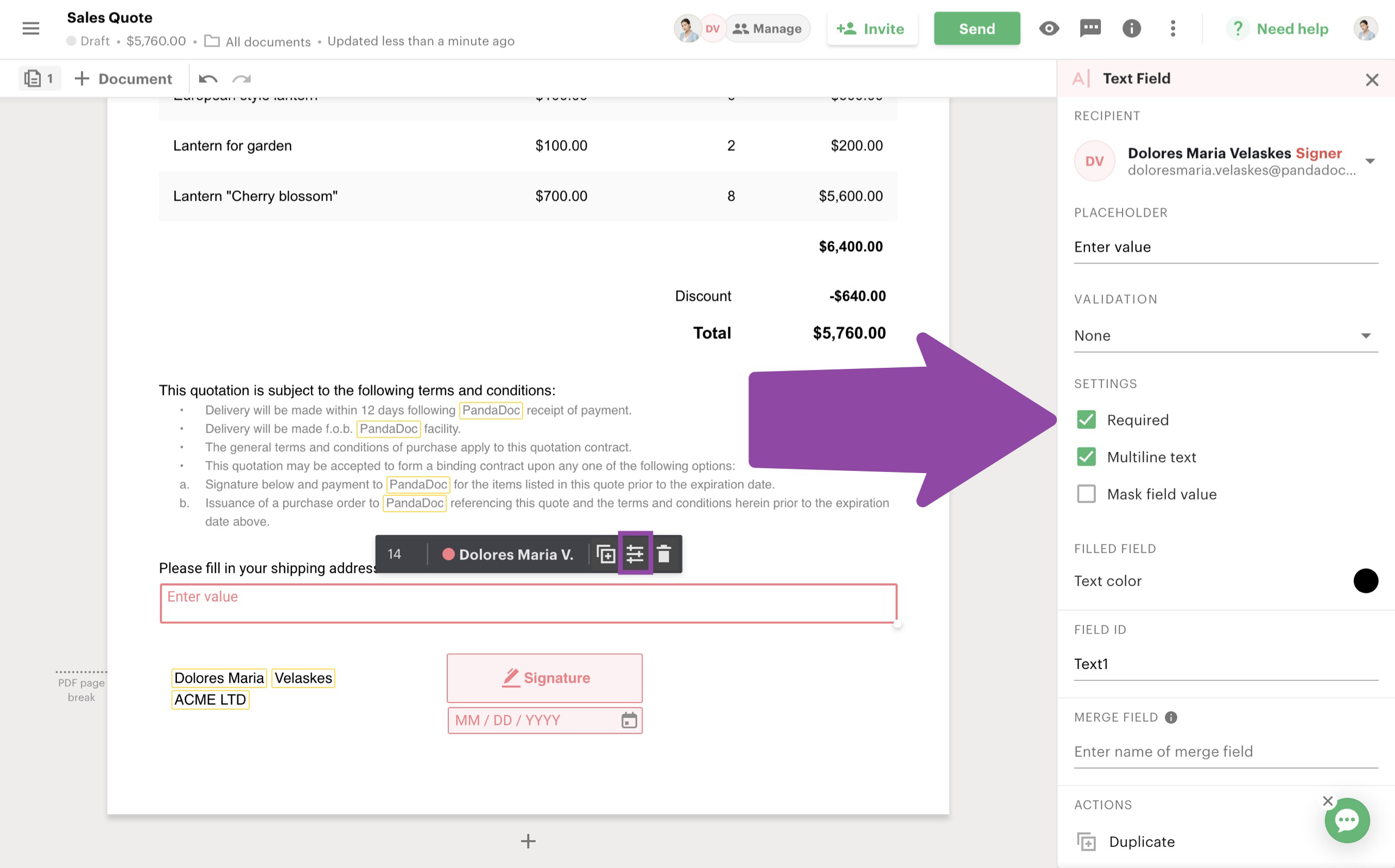
Select a text block where you'd like to place your variable
-
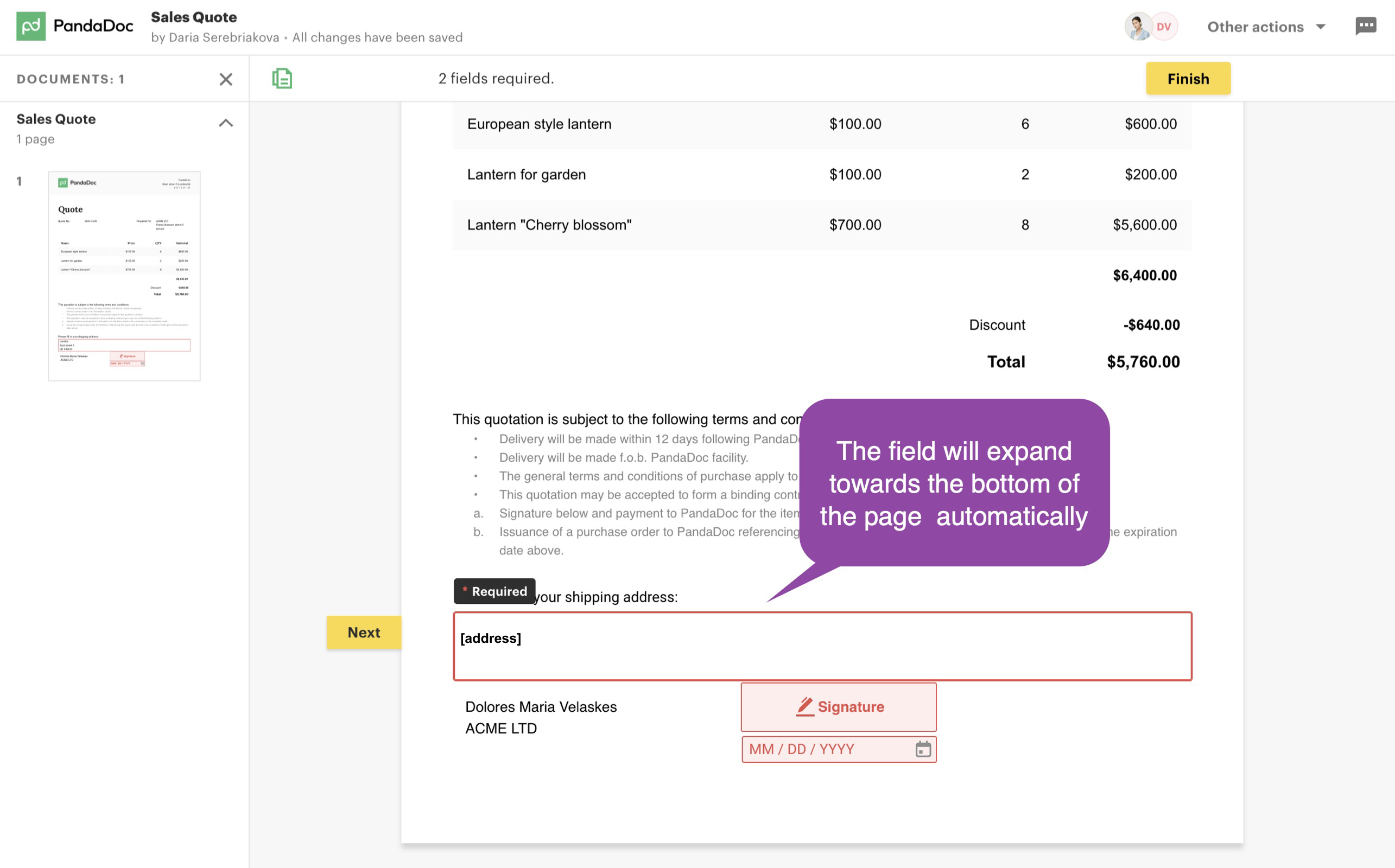
Type a square opening bracket and type your own variable name and press Enter.
-
Type
[variableName]using one of the available variables below. Please see below for Available Variables -
Example:
This is a binding offer with [company].
-
-
When the document is generated, the variable will automatically be replaced with the correct value on investor view.
-
Please be aware of our Signer Limitations and Tips before your document is generated for Investor Signature.
-
Signer Limitations
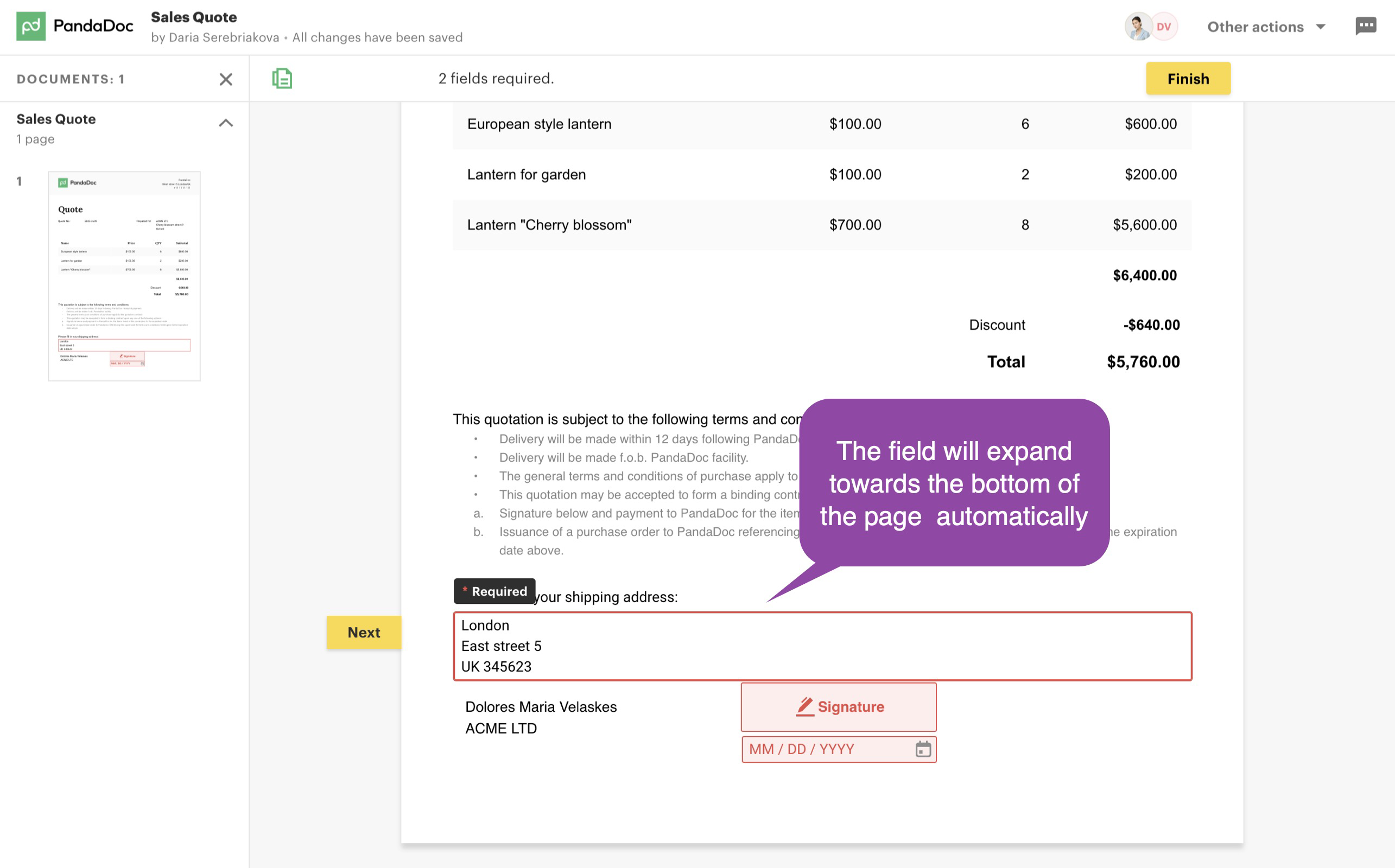
Please note: Our app currently supports only one signer (or client) per document.
-
The PandaDoc editor may allow you to add multiple signers, but our integration does not support this.
-
Adding more than one signer will cause the document to fail or behave unexpectedly.
-
To ensure smooth processing, always assign a single signer when preparing your documents.
Available Variables
Variables are autopopulated from Investor’s account at the moment document is generated
Below is a list of the variables you can use, what they mean, and example values:
1. Company
-
Variable:
[company] -
Description: Inserts the name of the company.
-
Example:
Acme Corp
2. Amount in USD
-
Variable:
[amountInUsd] -
Description: Inserts the dollar amount associated with the investment.
-
Example:
25,000 USD
3. Asset Amount
-
Variable:
[assetAmount] -
Description: Inserts the number of assets in investment currency. Eg currency: ABCD.
-
Example:
1,500 ABCD
4. Address
-
Variable:
[address] -
Description: Inserts the contact or business address.
-
Example:
123 Main Street, New York, NY 10001
5. Telephone
-
Variable:
[telephone] -
Description: Inserts a contact phone number.
-
Example:
+1 (555) 123-4567
6. Name of Limited Partner
-
Variable:
[nameOfLimitedPartner] -
Description: Inserts the name of the limited partner. If a company name is available, it will use that. If not, it will use the person’s first and last name.
-
Example (Company):
Acme Corp -
Example (Individual):
Jane Doe
Tips to Remember
-
Please Double check variable spelling. PandaDoc variables are case-sensitive.
-
Do not use defaults (e.g.,
?? ""), Pandadocs DOES NOT accept these characters. -
Test your document before sending to confirm variables are populating correctly.